

Background
The Problem
The Solution?
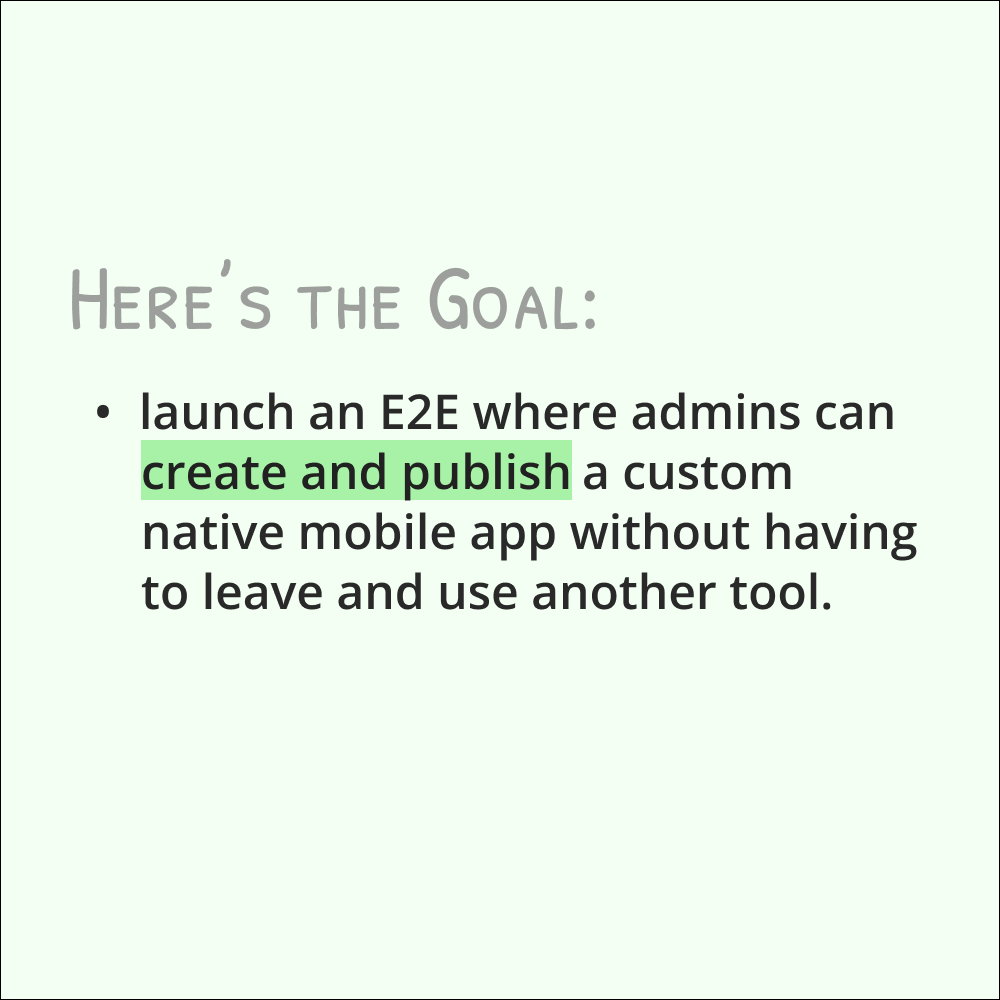
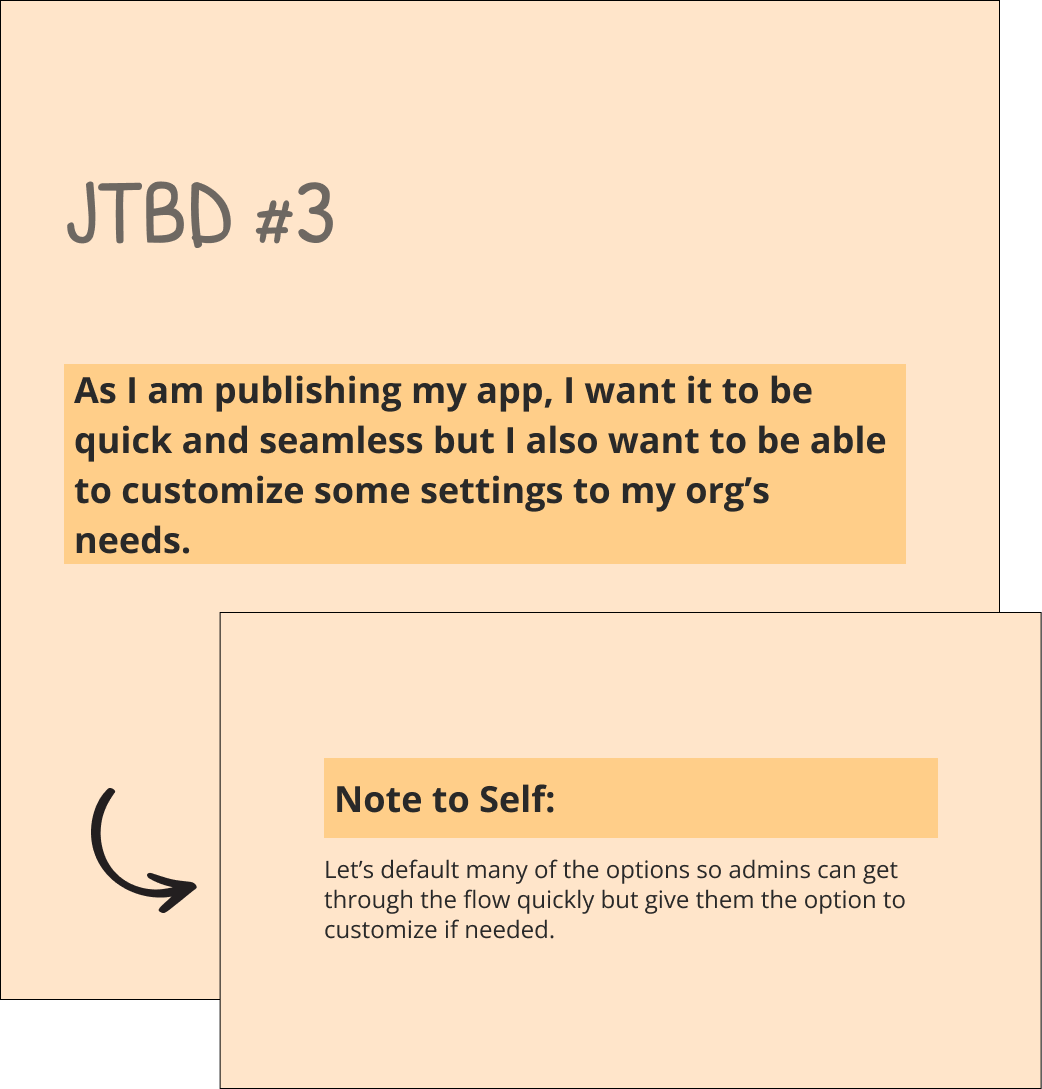
As the lead designer responsible for the publishing experience, let’s design an integrated publishing flow that feels intuitive and allows admins to publish their app quickly while allowing the freedom for extra customizations.
Challenges & Areas of Opportutnity
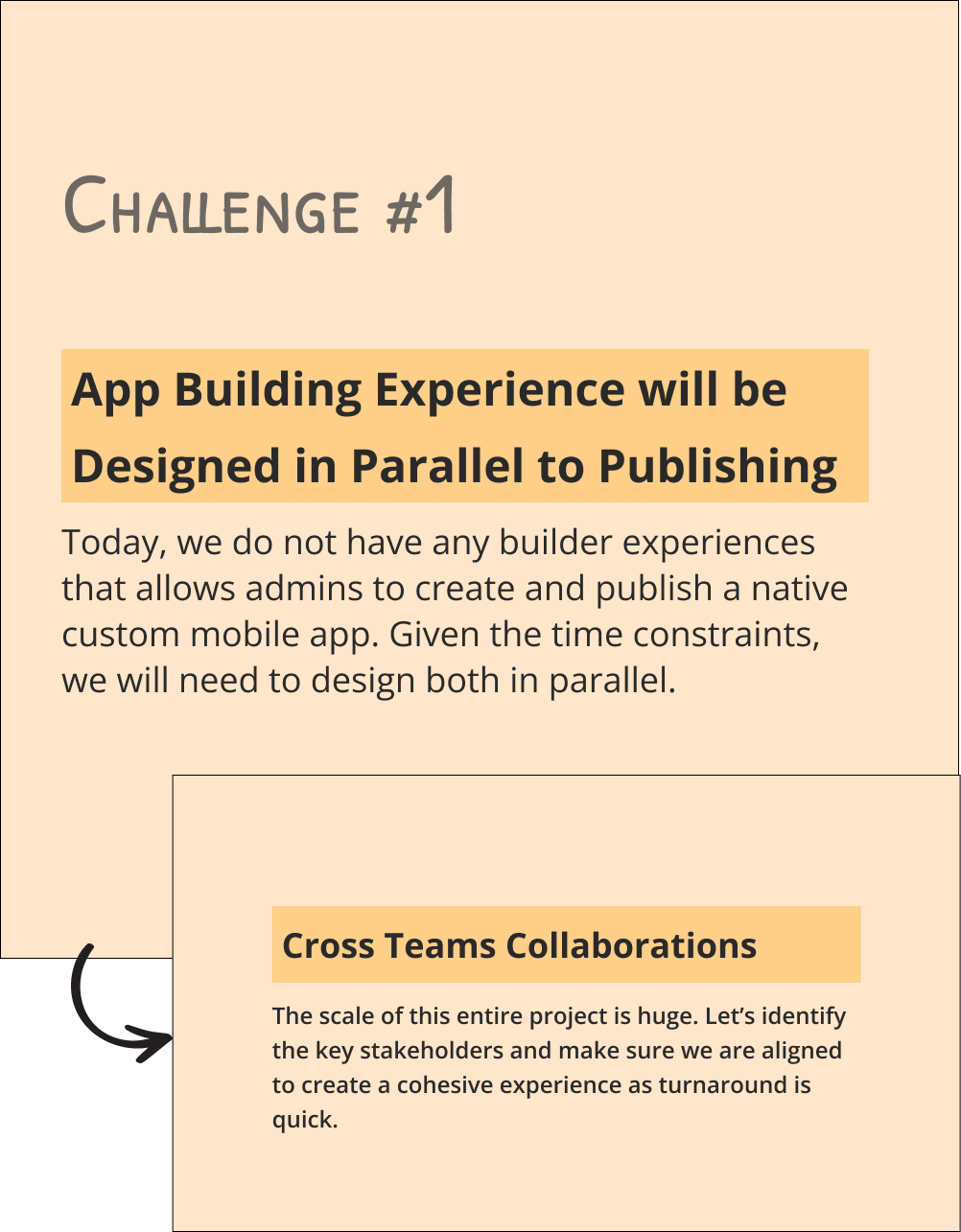
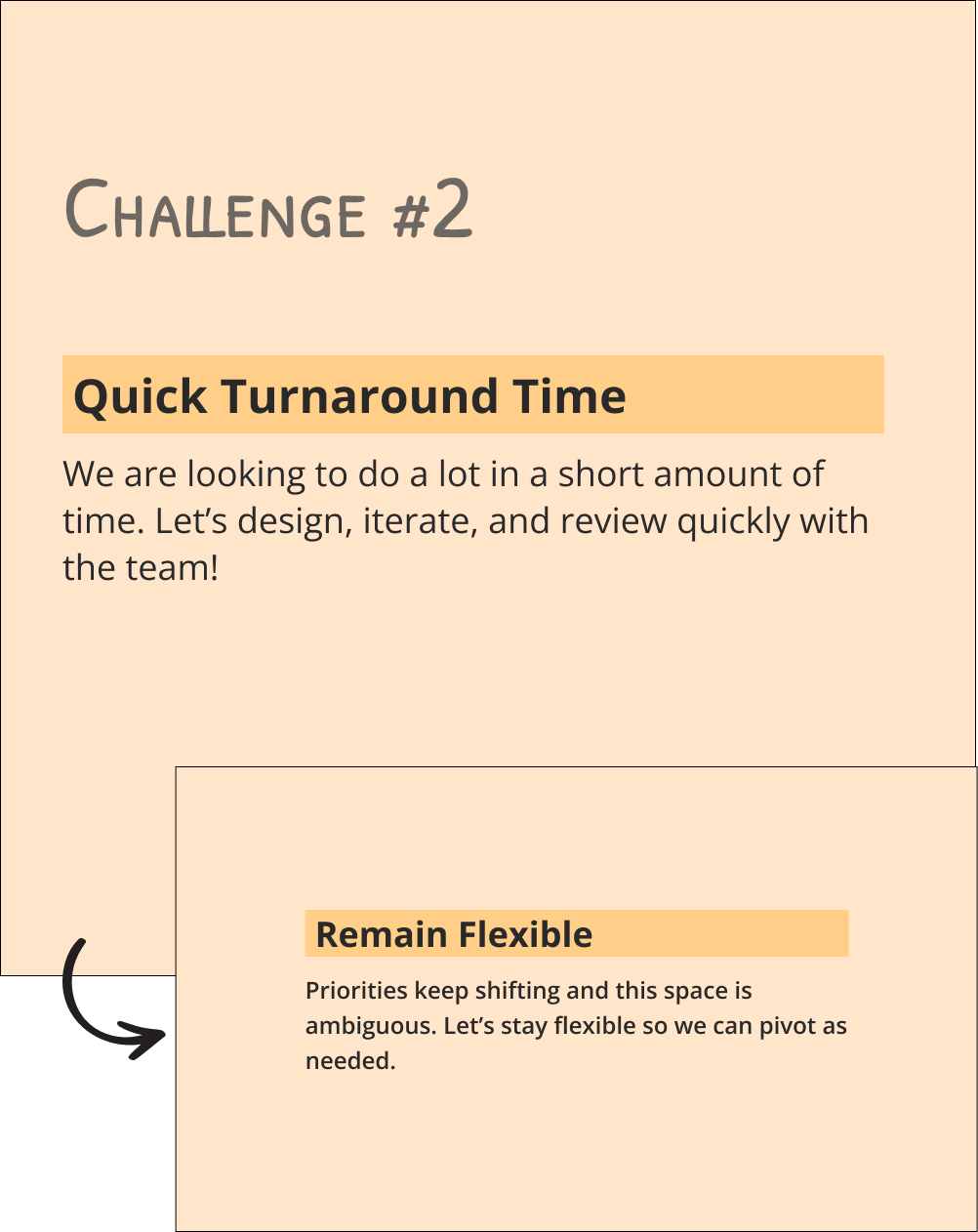
Because of its complexity, scale, and quick turnaround time, this will be a difficult project. That said, there’s so many areas of opportunity!
Users
Admins
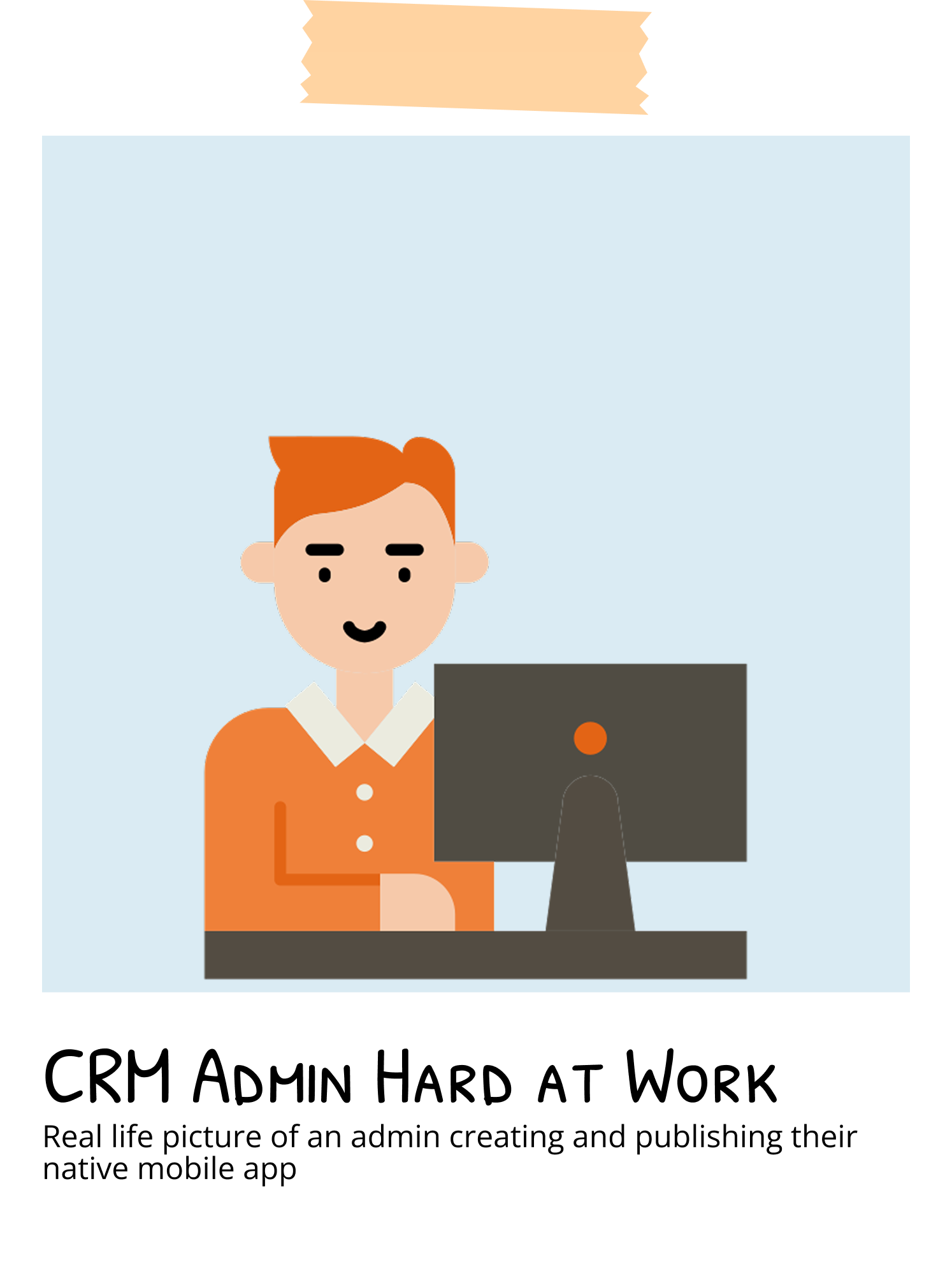
Admins are the backbone of many companies’ CRM systems. They are the bridge that connects the business with the technology that keeps everything going. They are technically savvy and don’t mind complexity.
Our admins:
are responsible for designing, publishing, and maintaining the lifecycle of their native mobile app
may not be the most technically trained, let’s assume low-code users as our baseline
The Process
〰️
The Process 〰️
The Process
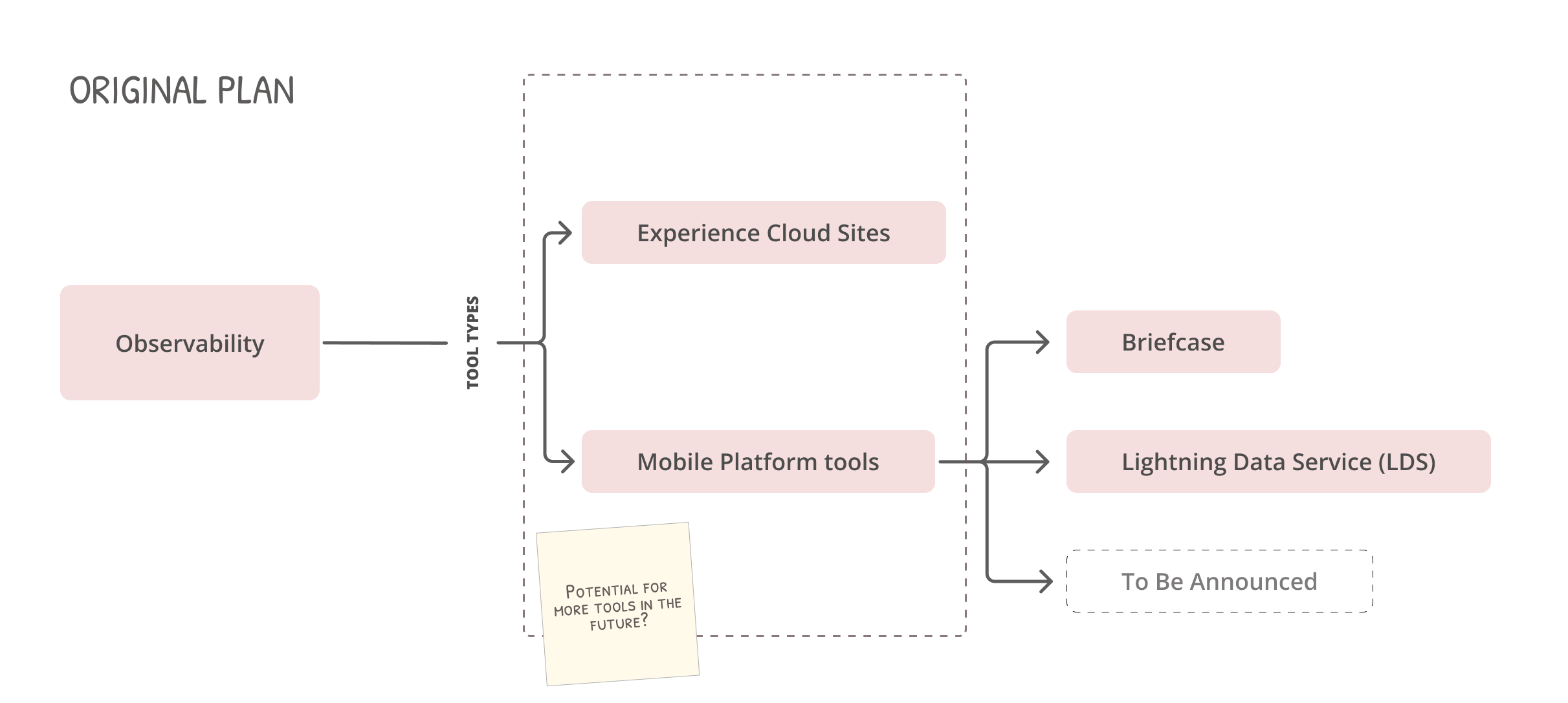
While executive leadership was interested in implementing an observability feature for mobile products, there was no additional budget to build out the infrastructure necessary to host, store, and retrieve the data.
Our team went for the next best thing—leveraging existing infrastructure within our ecosystem. There were some pros and cons to this approach.
The Pros
The necessary infrastructure already exist
Working with another team would allow us to build the feature without starting completely from scratch
The cons
We would rely greatly on another team
Cross team collaboration always had its own challenges, especially when our teams reported up to different orgs with different prioritiess
Existing infrastructure was legacy
The infrastructure that existed was made from legacy code. It used old branding elements and had many restrictions.
Final Decision
Let’s move forward with the collaboration. It won’t be perfect but it’s more important that we can deliver insights into the data for our customers.
Challenges
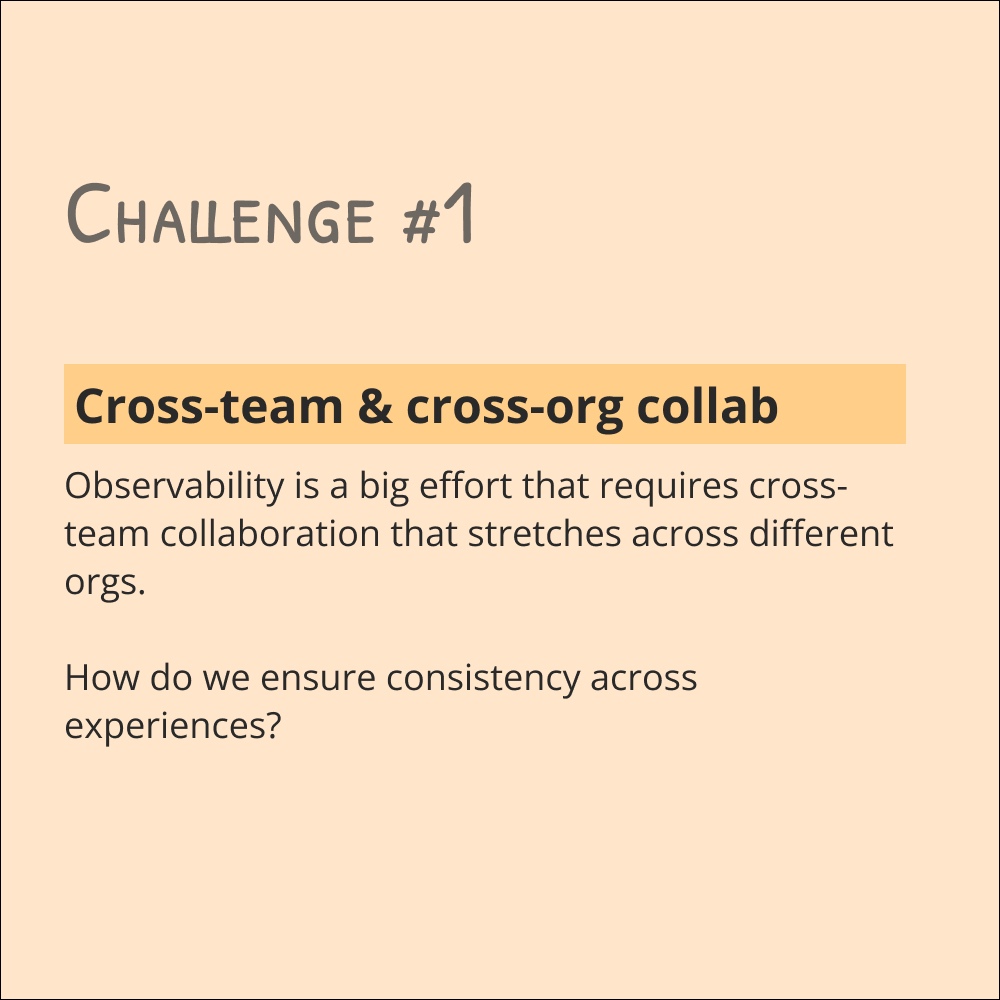
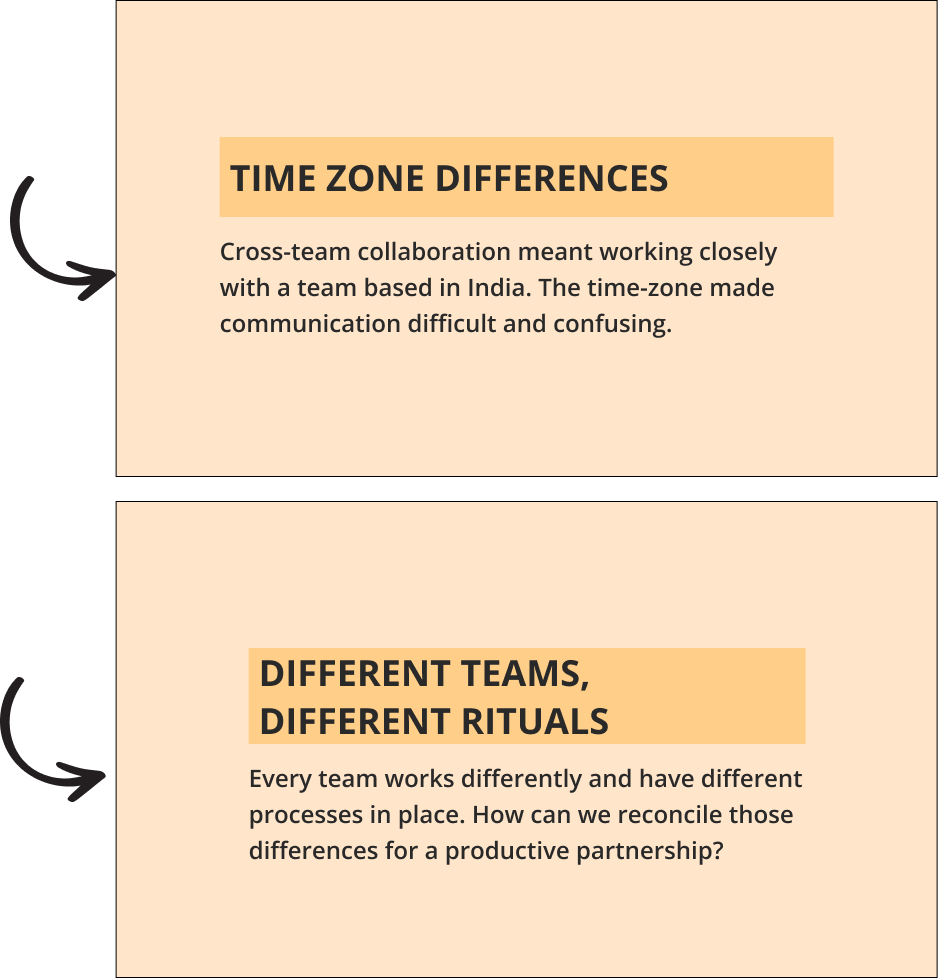

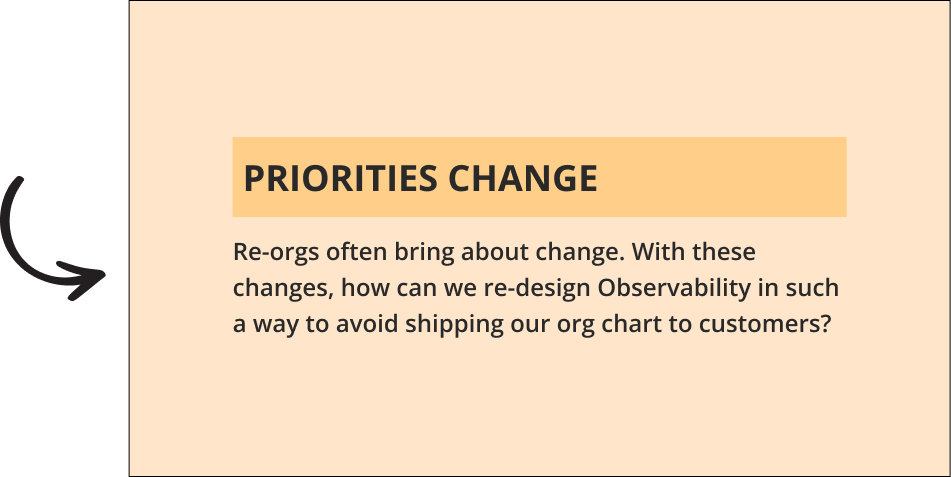
While this project was challenging for various reasons, there were a lot we learned as a team.
Learnings
1) Have conversations early to create alignment
When working cross-orgs, drafting a team working agreement can help prevent miscommunication. Other tools like Gemini notes and meeting recordings help create documentation and alignment on what was agreed upon.
2) Different teams have different rituals and processes in place
Every team works different, especially so when we all report to different orgs. The best thing to do is meet in the middle.
3) Focus on what our team can control and stay flexible to adapt to new changes
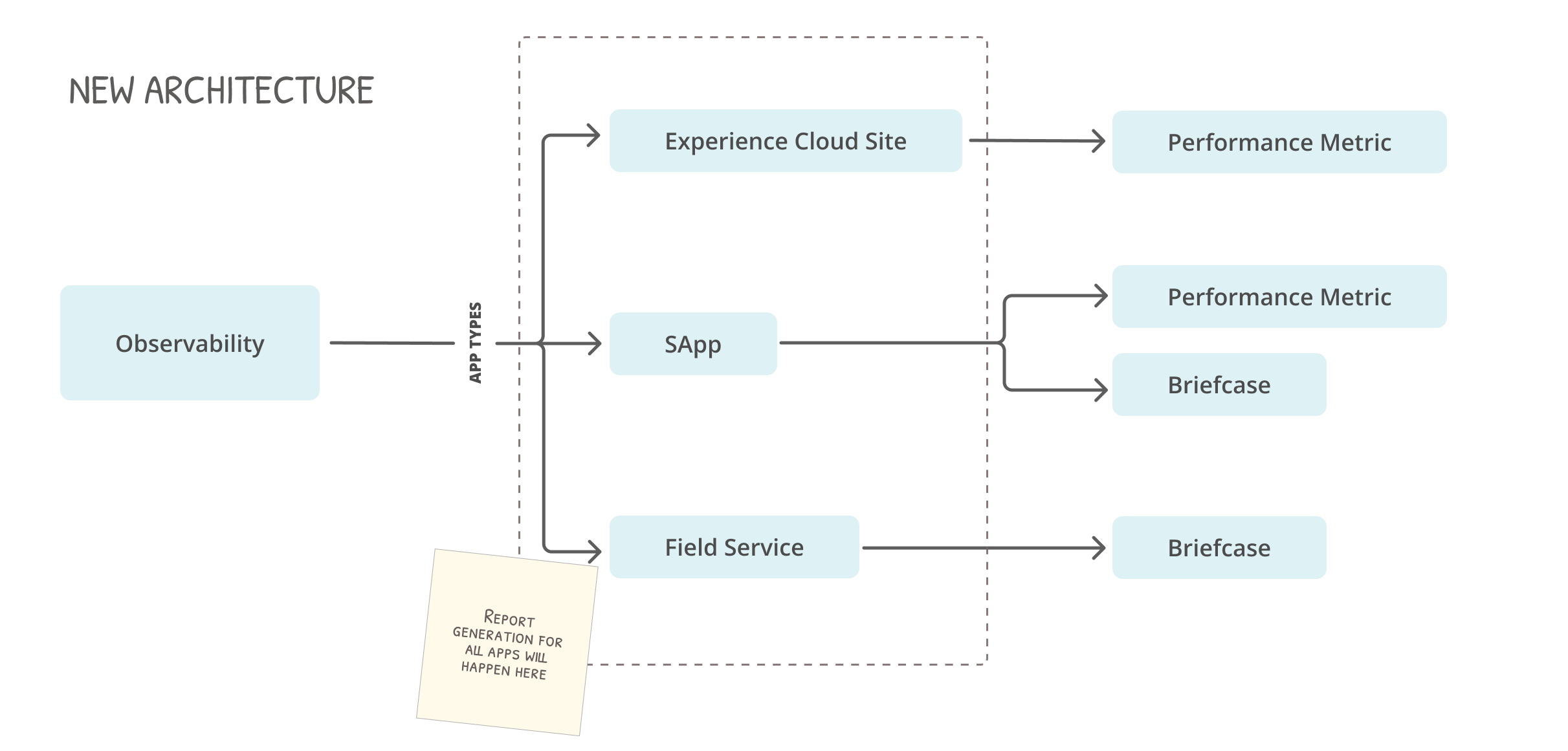
When re-orgs happen, priorities and ownership of products can change. In the sea of ambiguity, the best thing to do is to stay focused on what we can control so that we can pivot as needed. For example, Lightning Data Service and other Mobile Platform tools moved out of our team’s ownership. Instead of keeping the same structure, we pivoted from a feature based design to one that was app-based.
The key focus should always be a good user experience.
Plan A
Plan B
The Solution
〰️
The Solution 〰️
The Solution
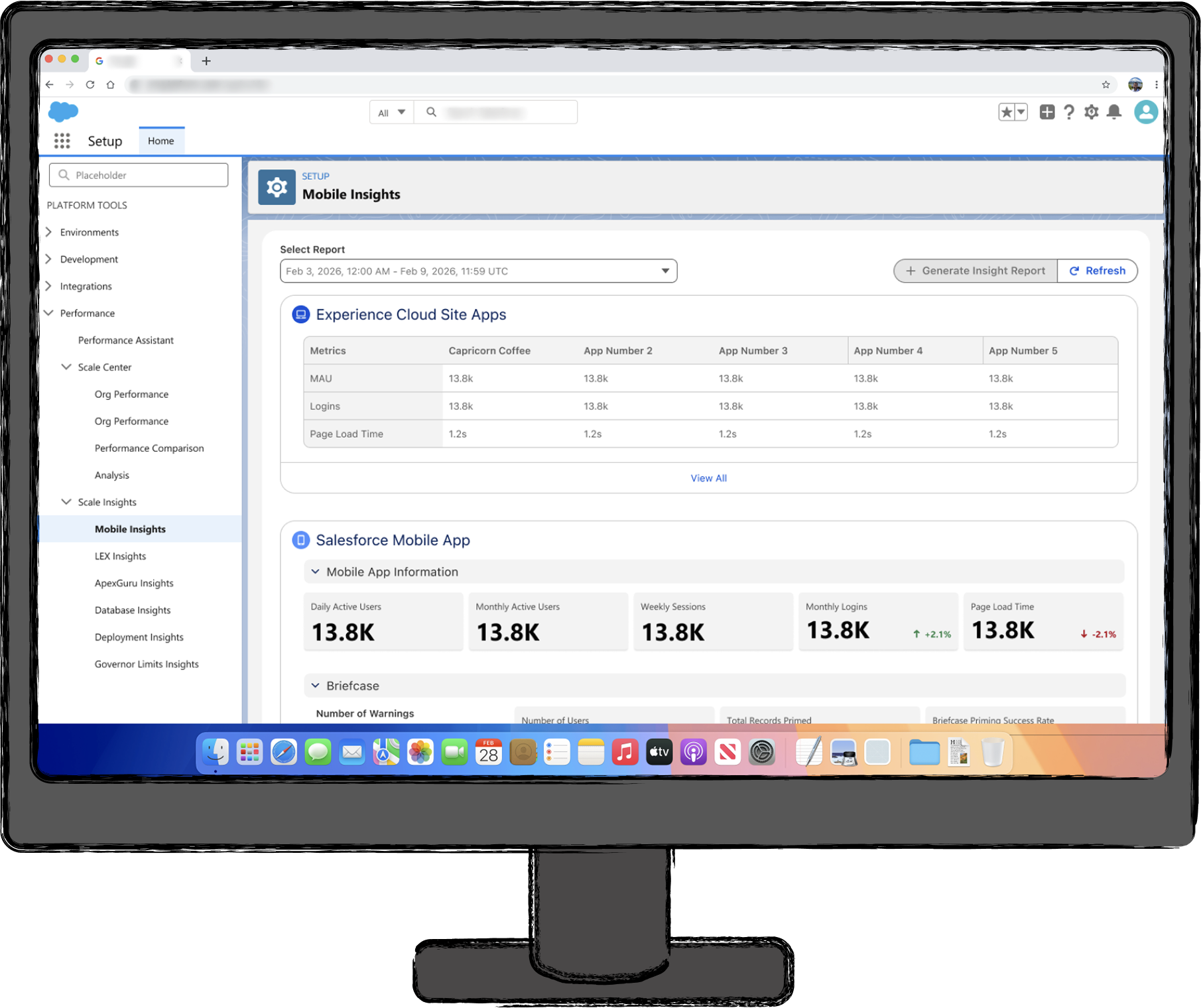
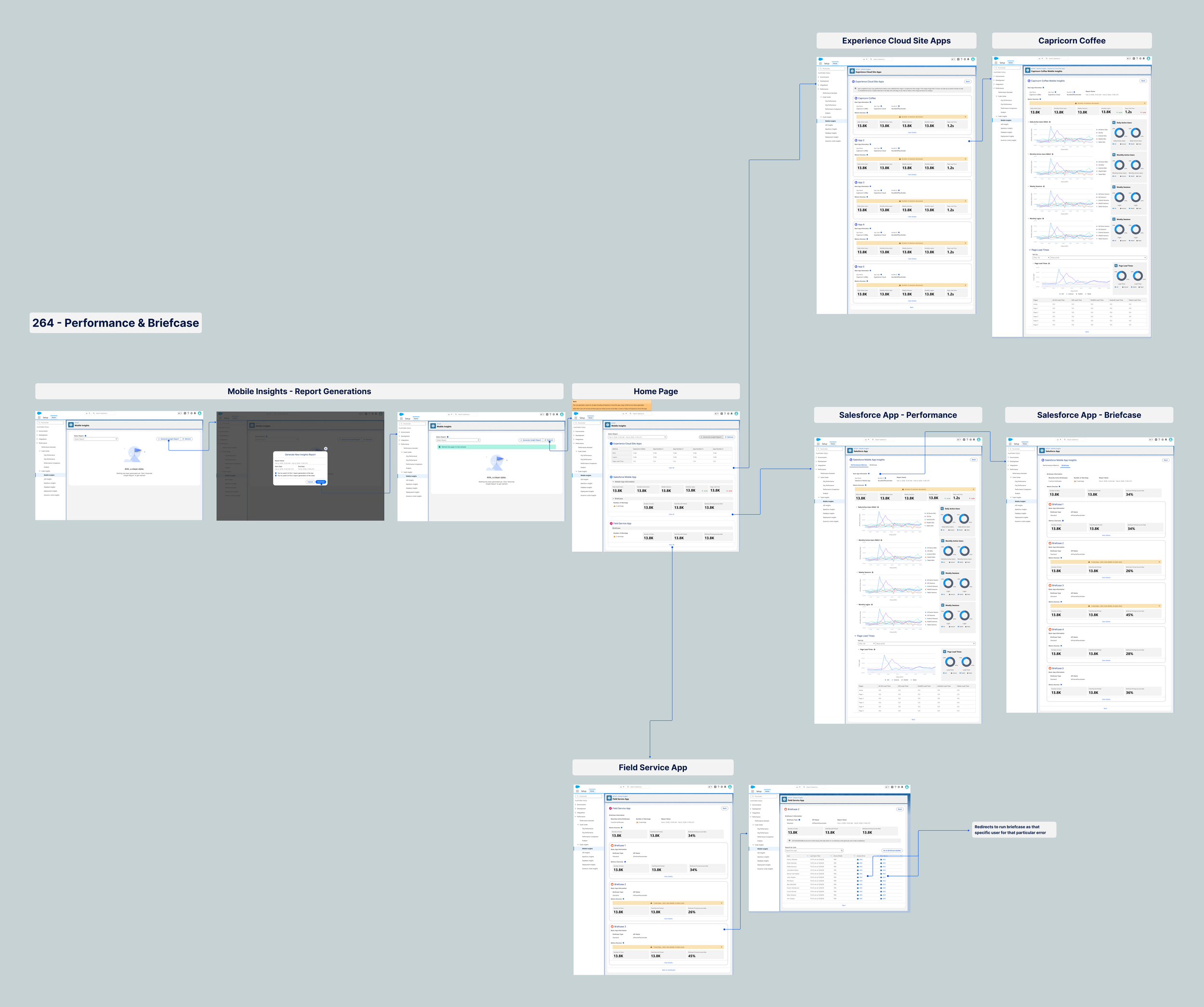
Let’s pivot towards an app-based framework, this will make the most sense for our users. It will require Engineering to generate the entire report for all apps with one click, which while puts more work on our team is a better experience for our admins.
List of To-Dos to Make This Possible
Draft new designs to push an app-based framework
Check in with my team’s engineer that this will be possible (potential spike) and predict concerns that our partner team might have and address it ahead of time
Once ready, walk partner team (include both teams’ engineering stakeholder and design point of contact) through design
Create alignment between the two teams
Implement!
Show Key Metrics for Mobile Apps
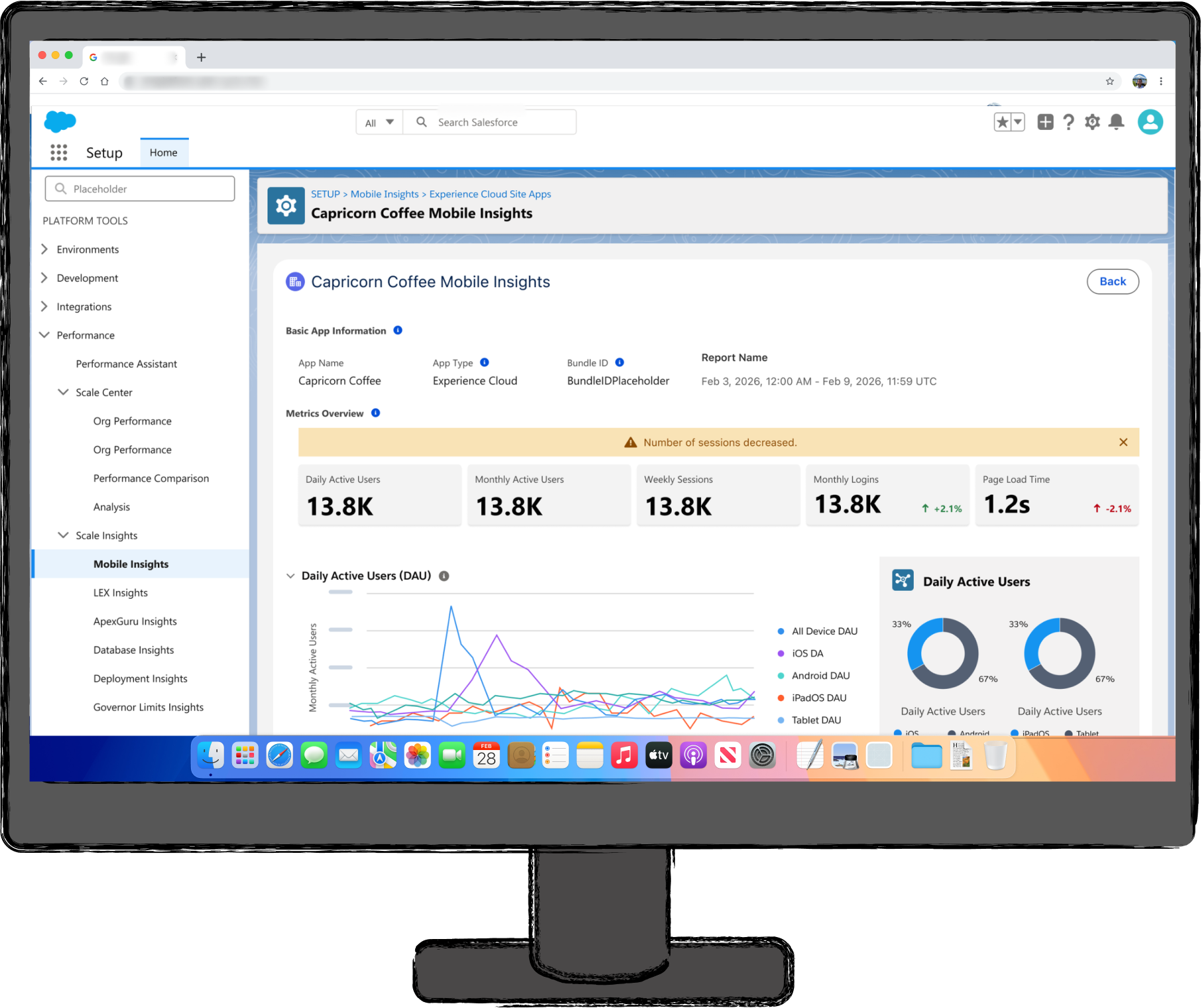
We know that DAU, MAU, and logins are table stakes for our users. Showing a break further break down of these key metrics by OS types (iOS, android, iPadOS, Tablet) will be a game changer for our admins.
Expand with Other Key Metrics
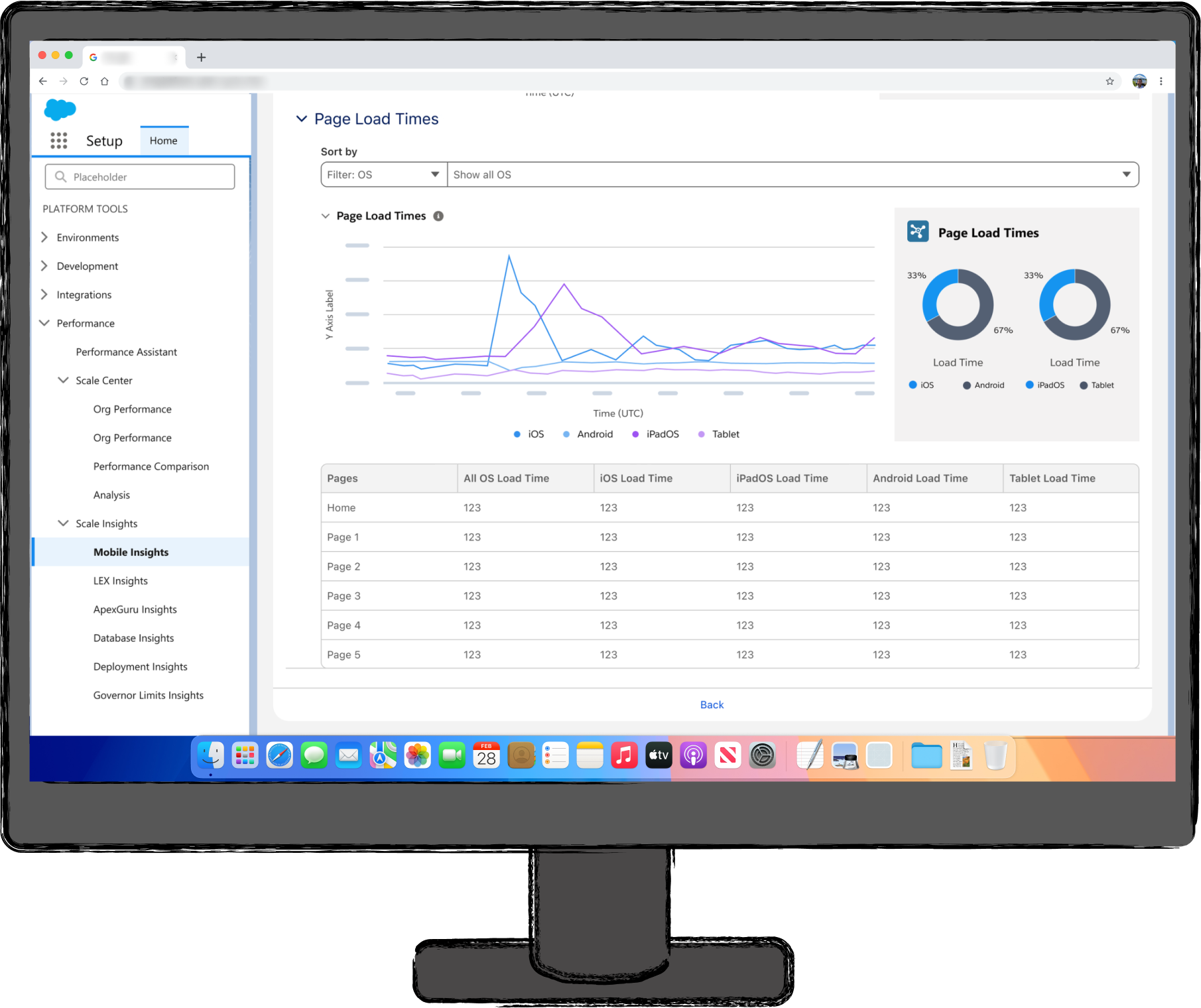
MAU, DAU, and sessions are tablestake in any observability features but let’s take it a step further and give our admins actionable insights by showing page load times as well as the pages that are struggling. Let’s break this down even further by allowing admins to filter by OS type as well as version types. This will help admins see which version their users are struggling with.
Break Down the Error Types
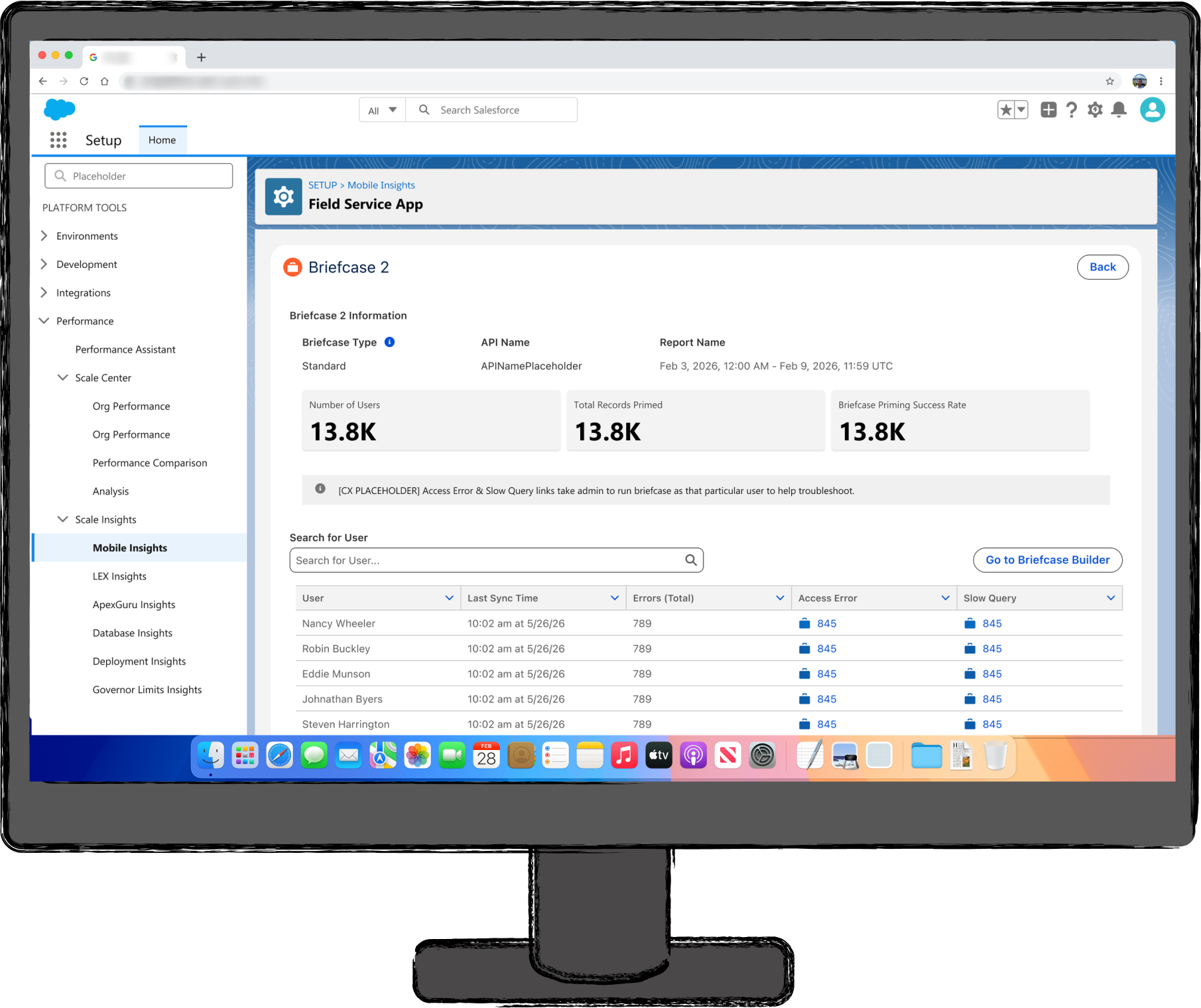
By breaking down the error types, it will help admins understand in which briefcase, which user is struggling with what kind of error. This allows the admin to troubleshoot on the user’s behalf and fix any issues.